
iPhone 17 Pro Mockup: The Ultimate Presentation Tool for Modern Designers
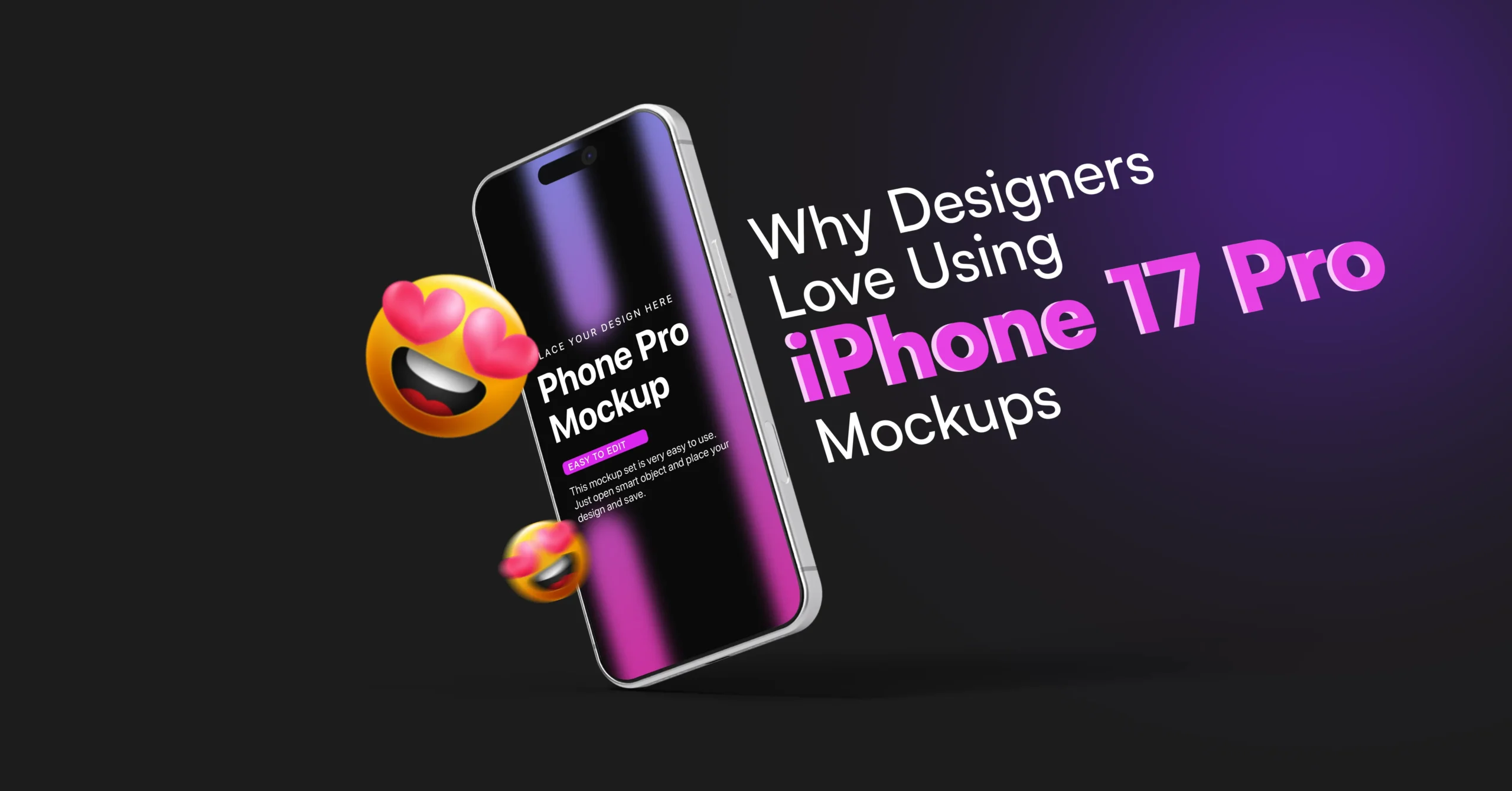
An iPhone 17 Pro mockup has become an essential tool for modern designers who want to present their work in a professional and realistic way. In 2026, creating a great UI is no longer enough. How you present that design plays a major role in how it is perceived by clients, users, and stakeholders.
Flat UI screens often fail to communicate the full experience of a product. That is where iPhone mockups come in. They transform simple designs into real-world visuals that feel polished, engaging, and ready for launch.
Whether you are a UI/UX designer, app developer, or marketer, using a high-quality mockup can significantly improve your presentation and help your work stand out in a competitive market.
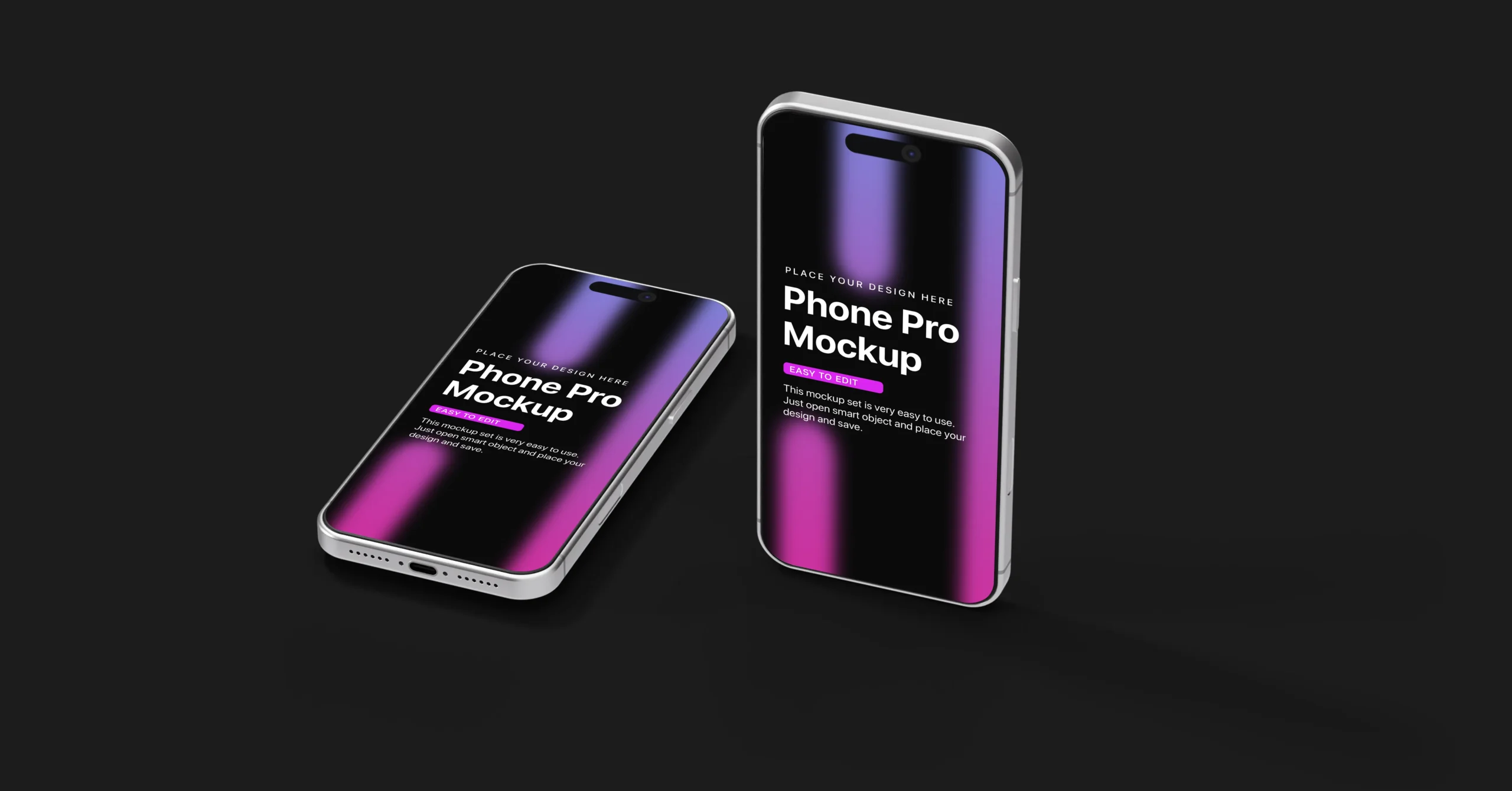
What is an iPhone Mockup?
An iPhone 17 Pro mockup is a prebuilt design template that allows you to place your UI design inside a realistic iPhone frame.
It is widely used for:
- Mobile app presentations
- UI/UX portfolio design
- SaaS product showcases
- Marketing visuals
Most mockups come in:
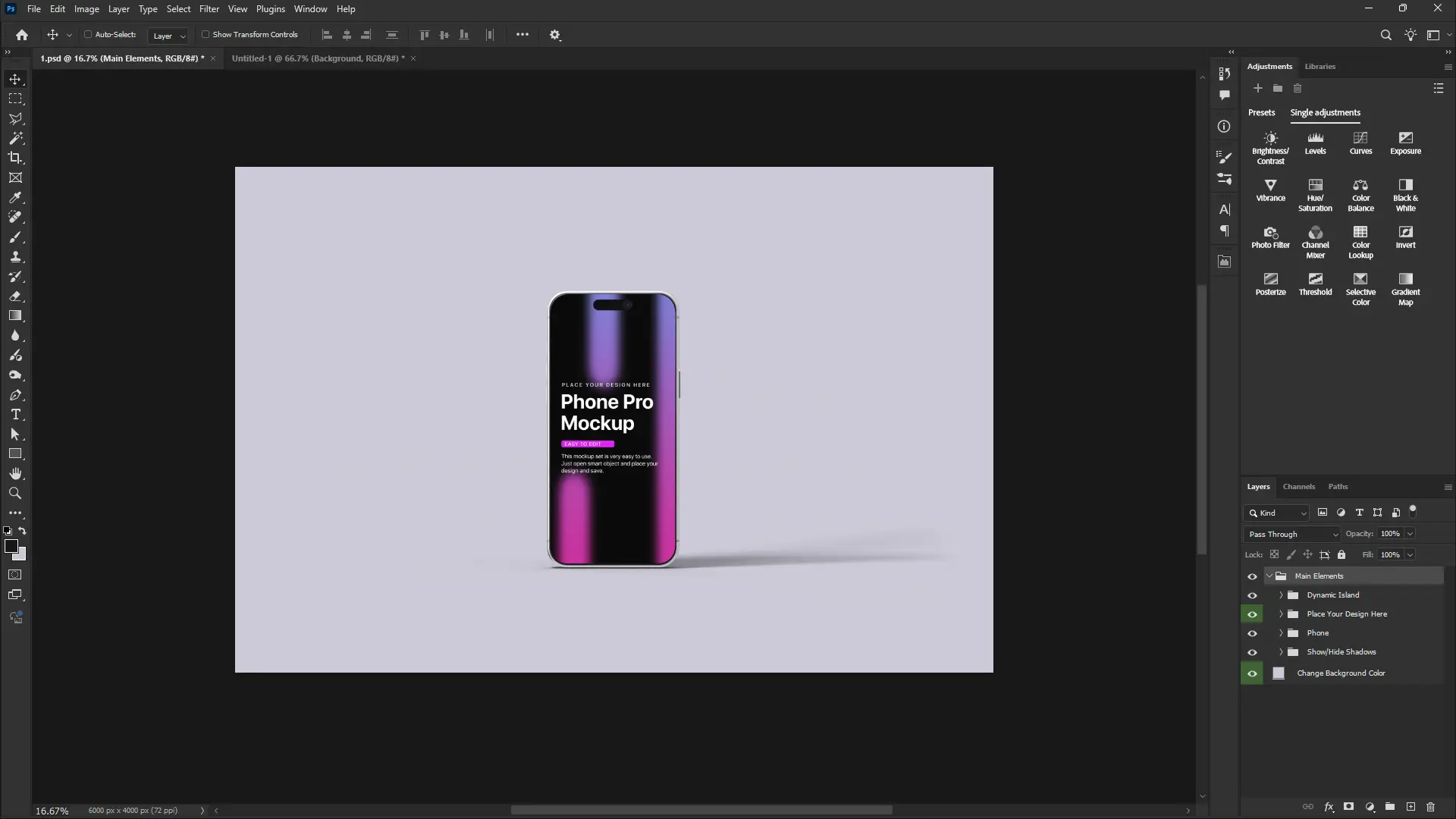
PSD Mockup (Photoshop)
Uses smart objects for full control and advanced editing.
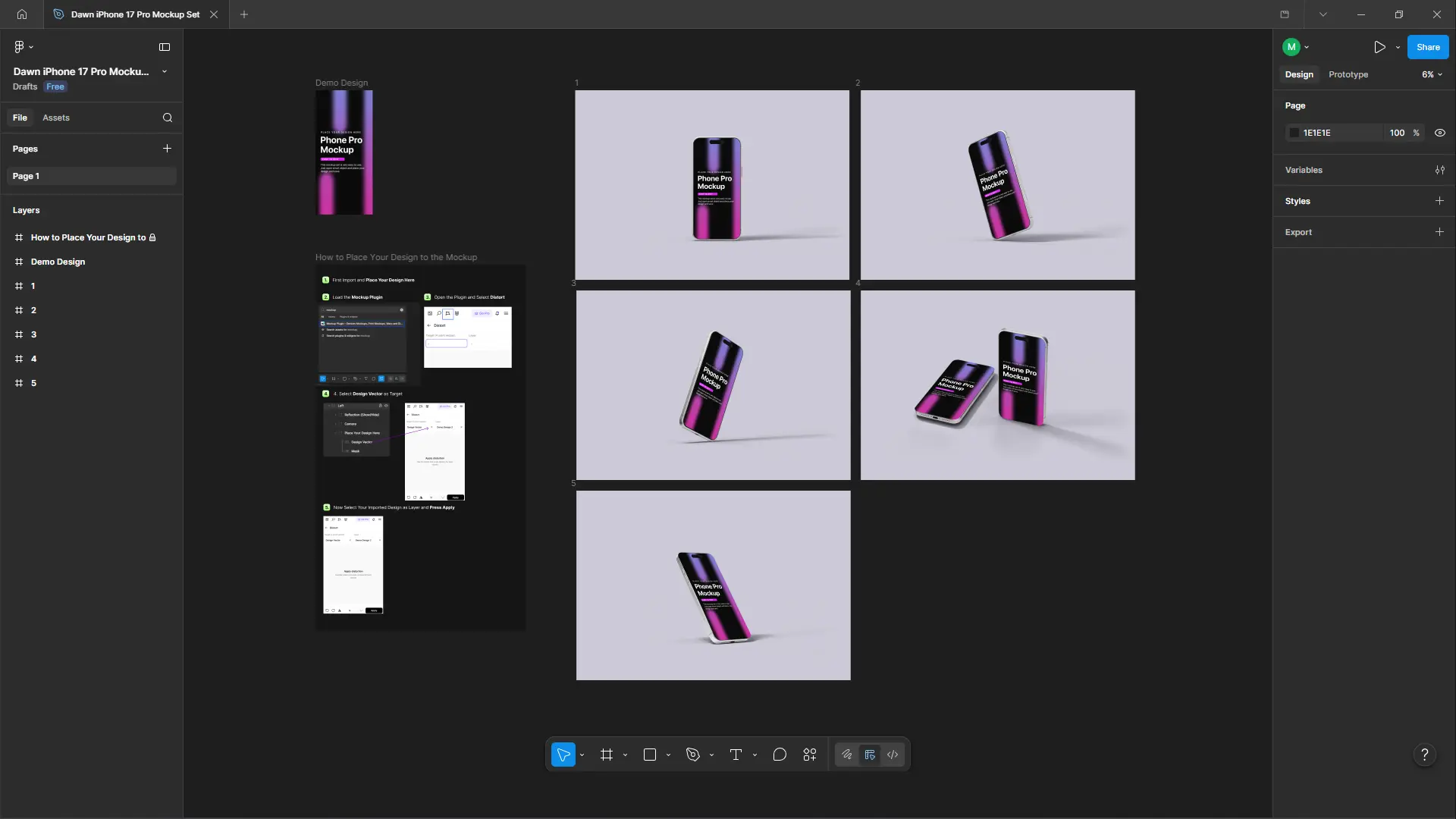
Figma Mockup
Cloud-based, fast, and ideal for team collaboration.
Both formats help convert flat UI screens into professional presentations instantly.
Why iPhone Mockups Matter in Modern Design
The growing popularity of iPhone mockups is not accidental. They solve multiple problems that designers face when presenting their work.
1. Clear Communication
Mockups help explain how a design works in a real environment. Clients can easily visualize the final product.
2. Higher Engagement
Realistic visuals attract more attention on portfolios, landing pages, and social media platforms.
3. Faster Workflow
Designers no longer need to create presentation layouts from scratch. Mockups simplify the process.
4. Professional Look
A high-quality iPhone 17 Pro mockup instantly makes your design feel premium and production-ready.
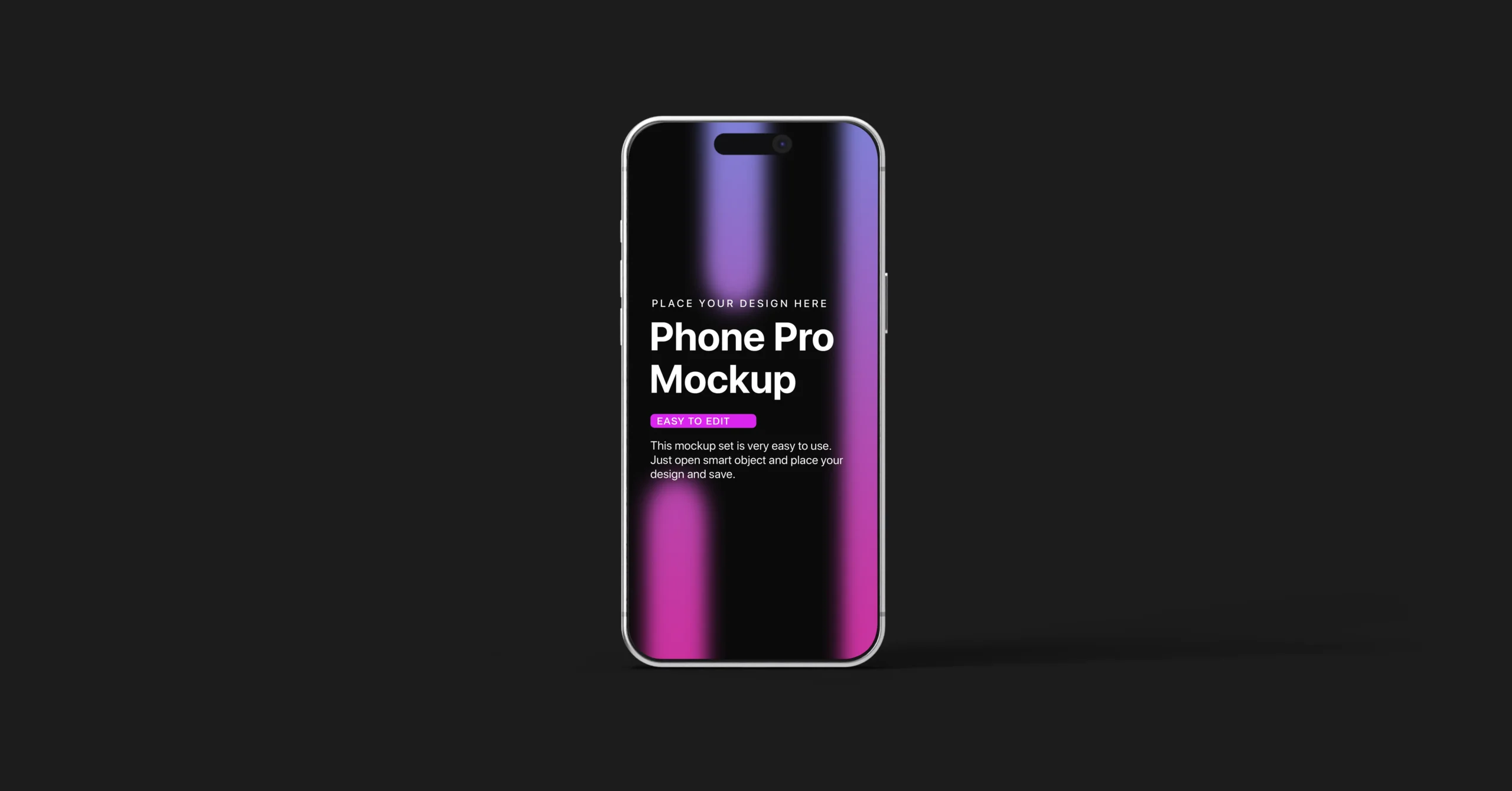
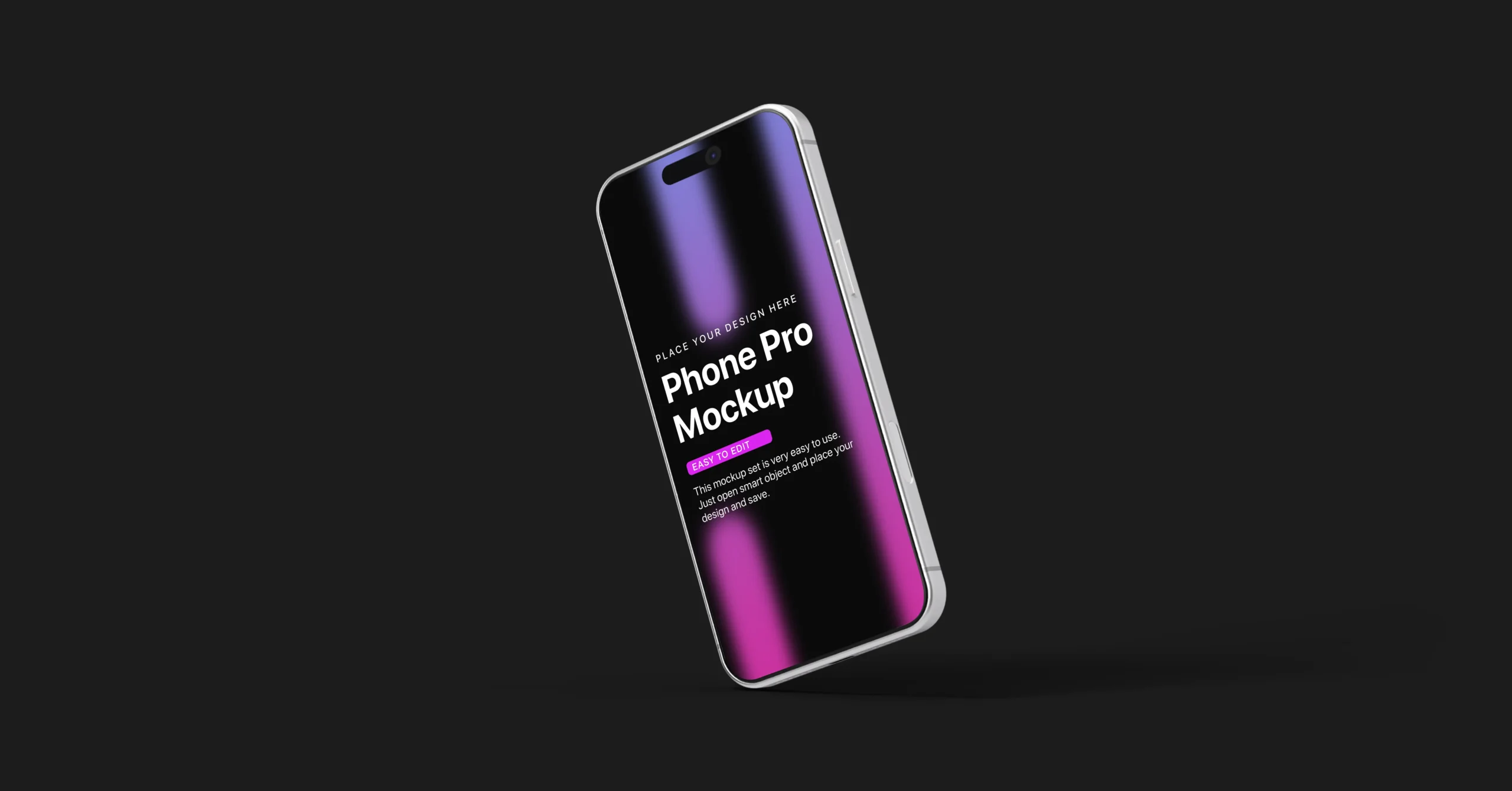
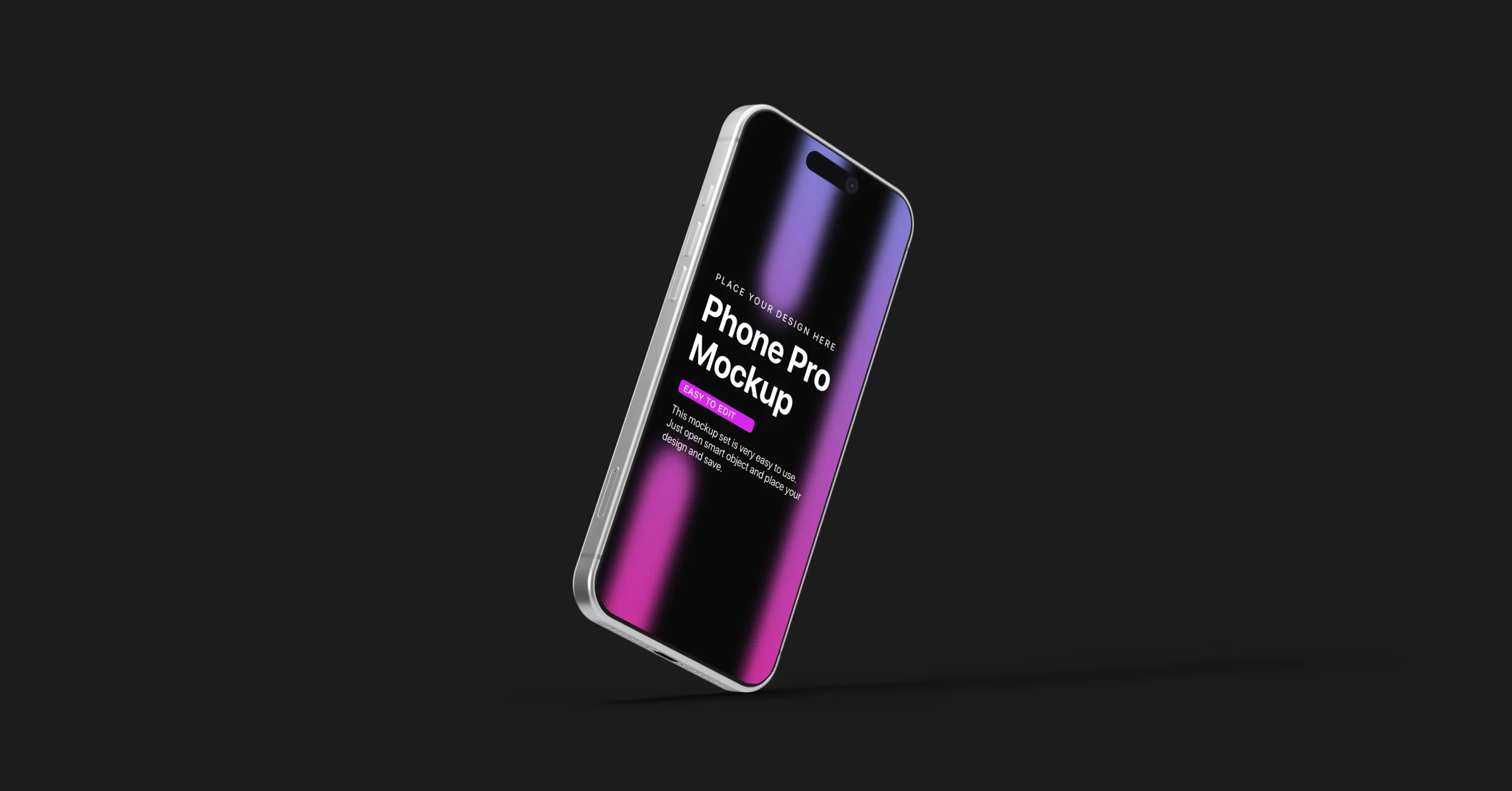
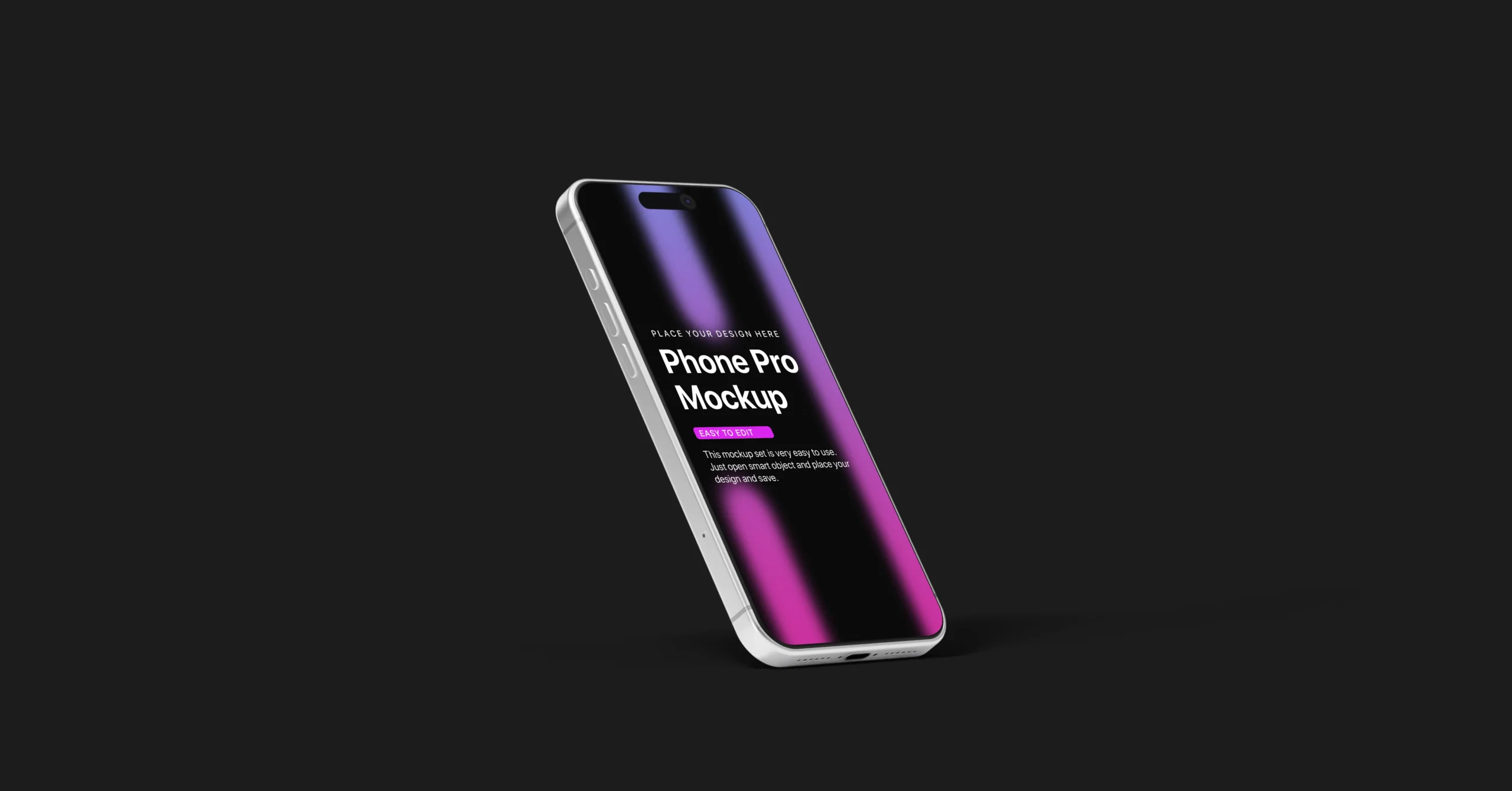
👉 Explore more iPhone mockups, PSD templates, and Figma UI kits here: iPhone 17 Pro Mockup Guide
Real-World Use Cases of iPhone Mockups
Understanding where mockups are used can help you get more value from them.
Portfolio Projects
Designers use mockups to present their work in a visually appealing way that attracts clients.
Client Presentations
Mockups help clients understand how the final product will look before development.
Marketing Campaigns
Marketers use mockups to create high-converting visuals for ads and landing pages.
Product Launches
Startups use mockups to showcase their apps before they are fully developed.
Best iPhone 17 Pro Mockup for UI/UX Designers
A highly recommended option for professional use is the Dawn iPhone 17 Pro Mockup Set (PSD & Figma).
You can download it here:
Download professional iPhone 17 Pro mockup PSD and Figma set
This mockup set is designed for real-world UI presentations and is widely used by designers, developers, and digital agencies. It focuses on clean composition, realistic lighting, and flexible editing options.
The PSD version allows detailed customization through smart objects, while the Figma version is optimized for speed and collaboration. Both are built to support professional-level presentations without complexity.
Key Benefits:
- High-resolution output
- Clean and minimal design
- Multiple scene variations
- PSD and Figma support
PSD vs Figma: Which Should You Use?
PSD mockups are best suited for designers who want maximum control over visual details such as lighting, shadows, and composition. They are often used in high-end presentations and marketing visuals.
Figma mockups are better for fast workflows and team collaboration. Since everything is cloud-based, changes can be made quickly and shared instantly, making it ideal for modern UI teams.
Both formats serve different purposes, and many designers switch between them depending on project requirements.
How to Use an iPhone 17 Pro Mockup
Using an iPhone 17 Pro mockup is a simple process. In Photoshop, you open the smart object layer, replace it with your UI design, save the file, and export the final visual. In Figma, you directly replace the screen content and adjust alignment before exporting.
Within minutes, a flat interface becomes a professional presentation ready for clients, portfolios, or marketing campaigns.
Tips for Better Mockup Presentation
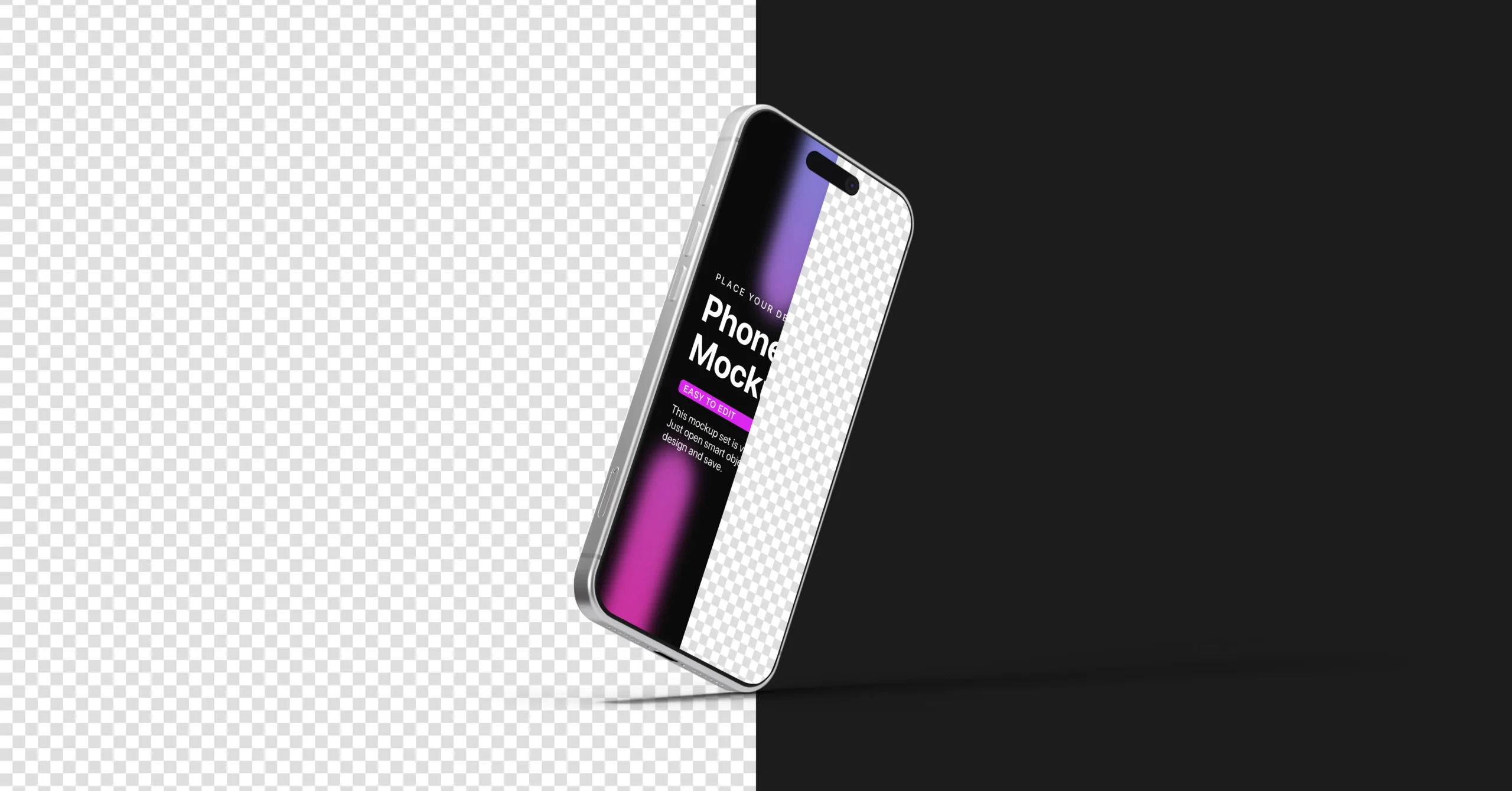
To get the best results from your mockup, always use high-resolution UI designs. Low-quality screens can reduce the impact of even the best mockups.
Keep your background minimal so your design stays the focus. Avoid unnecessary elements that distract from the UI.
Try different angles and scenes to match your audience and platform. What works for a portfolio may differ from what works for a marketing campaign.
Consistency in presentation style helps build a strong personal or brand identity.
Common Mistakes to Avoid
Many designers misuse mockups, which reduces their effectiveness.
Using low-resolution designs is one of the biggest mistakes. It makes the final output look unprofessional.
Overcrowding the scene with too many elements can distract from the main design.
Using irrelevant mockups that do not match your design style can also reduce impact.
Conclusion
An iPhone 17 Pro Mockup is no longer just a design accessory. It is a core part of how designers present, communicate, and sell their work.
In a competitive market, the difference between a good design and a great presentation can determine how your work is perceived.
By using a high-quality mockup, you can instantly elevate your designs and make them feel ready for real-world use.
Your Design Deserves Better Presentation
No complicated setup. No manual scene creation. Just drop your design into the iPhone 17 Pro Mockup, and instantly get a professional-grade presentation.
Frequently Asked Questions
What is the best iPhone mockup for 2026?
A high-resolution, editable mockup that supports PSD and Figma is ideal for modern workflows.
Can I use iPhone mockups for client presentations?
Yes, mockups help clients visualize the final product more clearly.
Are Figma mockups better than PSD?
Figma is faster and collaborative, PSD offers more detailed editing control.
How do I edit an iPhone mockup?
In PSD, use smart objects. In Figma, drag and place your design into frames.