
Animated Macbook Pro Laptop Mockup – Free Version
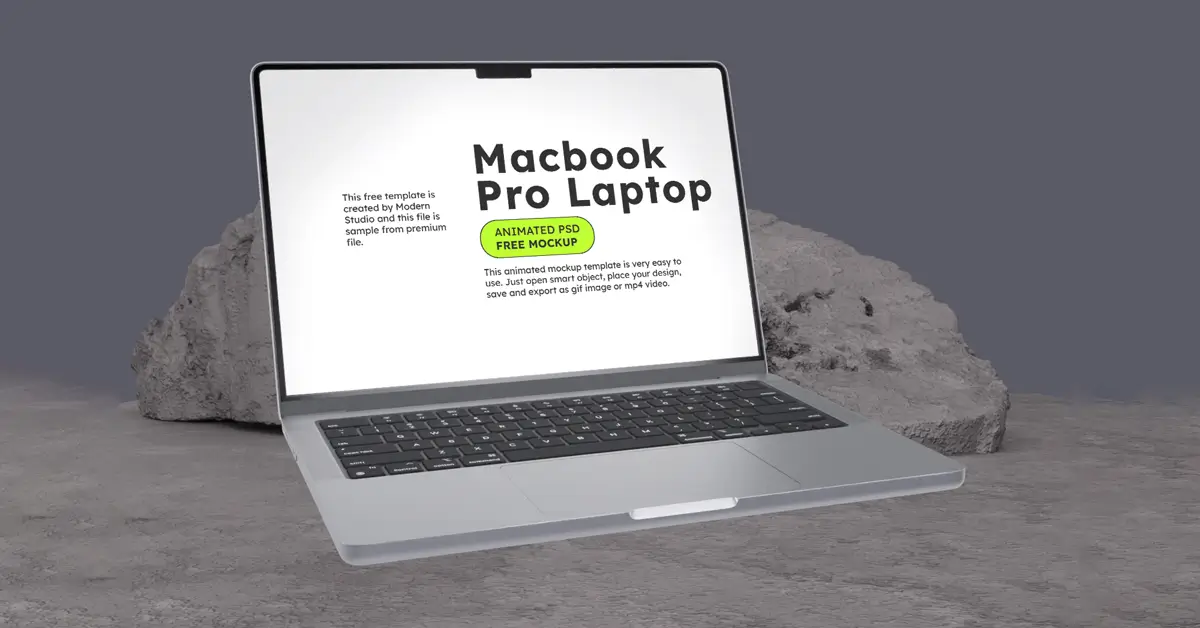
This Animated MacBook Pro mockup is free to use. It helps you show your designs in a clean 3D style with smooth animation. You do not need After Effects. Just open it in Photoshop and easily replace the screen with your own design.
Checkout the Premium Version:
Animated Macbook Pro Laptop Mockup
This Animated MacBook Pro mockup is free to use. It helps you show your designs in a clean 3D style with smooth animation. You do not need After Effects. Just open it in Photoshop and easily replace the screen with your own design. You can use the free version or upgrade to get more features. It is a simple way to make your work look professional in just a few steps. Download it and start showing your designs in a better way. This Mockup is presented by Modern Studio & ModernPSD
Download Premium Version: Animated Macbook Pro Laptop Mockup
Key Features
- Easy to use PSD files, everything is neatly organized
- 3D animation already made, no extra software needed
- Objects are separated, so you can edit each part easily
- High quality image (1600×1200), looks clear and sharp
- Uses RGB colors, good for screens and digital work
- Comes with PSD files that open in Photoshop
Support
If you’re unable to download the file after purchase, please contact us or reach out via our Facebook page.
$0
Features:
- Compatible with: Photoshop
- File Type: PSD
- Resolution: 1600x1200 Pixels
- DPI: 72
- File Size: 608 MB
- Publised: August 15, 2024
- Looped Animation: Yes
Taxes may apply based on your location and local tax regulations.
- Secure Checkout: SSL encrypted payment.
FAQ - Frequently Asked Questions
1. How do I add my own design to the mockup?
Use the Smart Object layers in Photoshop. Double-click the Smart Object, place your design, save, and it will automatically appear on the MacBook Pro screen with smooth 3D animation.
2. Can I customize elements like backgrounds or objects?
Yes! All objects are fully separated and layered, allowing you to adjust backgrounds, move elements, and create a customized scene effortlessly.
3. Do I need After Effects to use the animation?
No. The animation is fully editable directly in Photoshop. You can customize scenes and export animations without needing After Effects.
4. What resolution is this mockup, and is it suitable for professional presentations?
The mockup is 1600×1200 px, optimized for smooth performance with crisp, detailed visuals, making it perfect for client presentations, portfolios, and digital project showcases.