
When it comes to presenting a mobile app, website, or digital product, design is more than just the interface; it is about how you showcase your work. The way you present your design can significantly influence how users perceive its quality and professionalism.
One of the most effective ways to display digital products is through device mockups. But here is the big question many designers face: iPhone Mockup vs Android Mockup. Which one delivers better results?
Both have their strengths, and choosing the right one depends on your target audience, platform, and brand style. In this article, we will break down the differences between iPhone and Android mockups and explain how each can impact your presentation quality, user perception, and conversion rates.
Why Mockups Are Crucial in Product Demos
Mockups bring life to your UI designs by placing them inside a realistic device frame. Instead of a flat screenshot, users get a real-world preview of how your app or website would look on a mobile phone. This boosts engagement and helps build trust.
When done right, mockups can improve click-through rates, drive more app downloads, and help your audience understand the product at a glance.
iPhone Mockups: Clean, Stylish, and Recognizable
iPhone mockups are known for their clean and consistent design. They are widely used by creative professionals, app developers, and marketing teams because of their sleek look and strong brand association with Apple.
Advantages of using iPhone mockups:
- Associated with premium quality and modern design
- Perfect for tech startups and app store promotions
- Familiar to designers and creative audiences
- Consistent screen sizes and hardware designs
If you are targeting users who are already in the Apple ecosystem, or you want your app to look high-end and sophisticated, iPhone mockups may convert better.
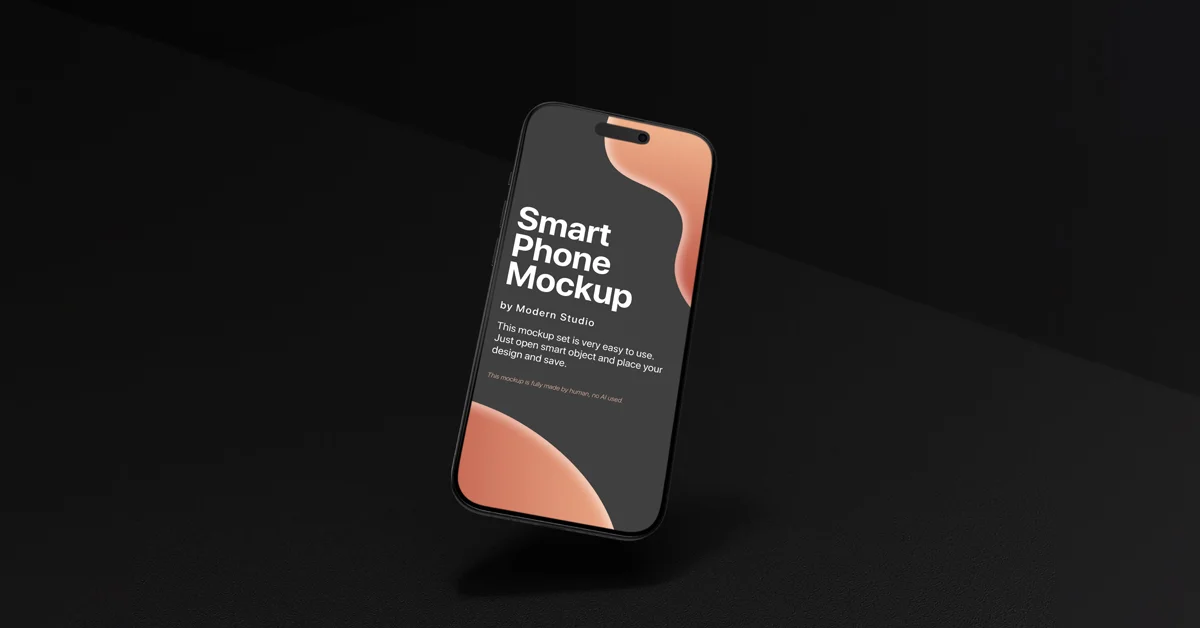
Level Up Your App Presentation
Download premium iPhone mockups with sharp details and professional layouts. Perfect for client demos, portfolios, and product launches.
Android Mockups: Flexible, Inclusive, and Global
Android mockups offer a wider variety of styles, screen sizes, and device shapes. This reflects the real Android market, which is larger and more diverse across the globe.
Benefits of Android mockups:
- Suitable for a wider range of users and regions
- More flexible in representing different device types
- Ideal for showcasing apps available on Google Play
- Gives your product a more inclusive and accessible image
If your app is designed for global users or developing markets, Android mockups are often more relatable to the intended audience.

Which Mockup Converts Better?
The answer depends on your audience and goals.
For example:
- If your target users are in North America or Western Europe and use Apple devices, iPhone mockups may convert better due to brand familiarity.
- If your target users are in regions where Android dominates, such as Asia, Africa, or Latin America, Android mockups may resonate more.
The best approach is to test both. A/B testing product pages, ads, or presentations using different mockups can help you determine which performs better for your specific product.
iPhone Mockup vs Android Mockup: Head-to-Head Comparison
| Feature | iPhone Mockup | Android Mockup |
|---|---|---|
| Design Style | Clean and premium | Versatile and flexible |
| Brand Perception | High-end and elegant | Practical and accessible |
| Market Target | Creative or premium audience | Global and tech-savvy audience |
| Conversion Potential | Strong for portfolio and product demos | Effective for mass-market presentation |
Present Your Android App Like a Pro
Download high-resolution Android mockups designed for clean, modern presentations. Ideal for UI/UX designers and app developers.
iPhone Mockup vs Android Mockup: Head-to-Head Comparison
| Feature | iPhone Mockup | Android Mockup |
|---|---|---|
| Design Style | Clean and premium | Versatile and flexible |
| Brand Perception | High-end and elegant | Practical and accessible |
| Market Target | Creative or premium audience | Global and tech-savvy audience |
| Conversion Potential | Strong for portfolio and product demos | Effective for mass-market presentation |
Tools Required for Creating and Editing Mockups
The quality of your mockup presentation depends not only on the device frame but also on the tools you use to create and refine it. Here are the most popular options:
Adobe Photoshop Industry-standard for photorealistic mockups. Photoshop’s smart objects and advanced layer controls make it perfect for precise edits, shadows, and reflections.
Figma A collaborative design tool widely used for UI/UX projects. Figma allows teams to design, edit, and present mockups in real time. If you’re working on mobile app demos, check out our iPhone Figma Mockup for clean, ready-to-use layouts.
Blender A powerful open-source 3D tool. Blender lets you create dynamic 3D mockups with custom angles, realistic lighting, and even animations, ideal for high-impact product launches.
Why These Tools Matter?
Photoshop ensures professional polish and photorealism.
Figma provides speed and collaboration for design teams.
Blender unlocks 3D creativity and immersive product showcases.
By combining these tools, you can tailor your mockups to different audiences and presentation styles — whether it’s a sleek iPhone demo for a startup pitch, a flexible Android showcase for global markets, or a cinematic 3D render for maximum impact.
Helpful Resource: Check Statista’s Mobile OS Market Share to understand where iOS and Android lead worldwide.
Final Thoughts
Both iPhone and Android mockups play a key role in product demos. Choosing the right one depends on who your users are and how you want to present your brand. iPhone mockups offer a clean, premium feel, while Android mockups speak to accessibility and global reach.
Instead of sticking to just one, consider preparing demos with both mockup types. This not only shows versatility but also helps you appeal to a broader audience.
Frequently Asked Questions
What is the difference between iPhone and Android mockups?
iPhone mockups are sleek and minimal, ideal for premium app presentations. Android mockups offer more variety and flexibility, useful for broader and global audiences.
Which mockup should I use for a new app demo?
Use an iPhone mockup if targeting premium users or showcasing polished UI. Use Android if your app is more utility-based or aimed at a global Android market.
Can I use both mockups in one presentation?
Yes. Using both iPhone and Android mockups demonstrates your app’s cross-platform support and boosts conversion in broader audiences.