
Galaxy S26 Ultra Aesthetic Smartphone Mockup
Galaxy S26 Ultra Aesthetic Smartphone Mockup: Overview
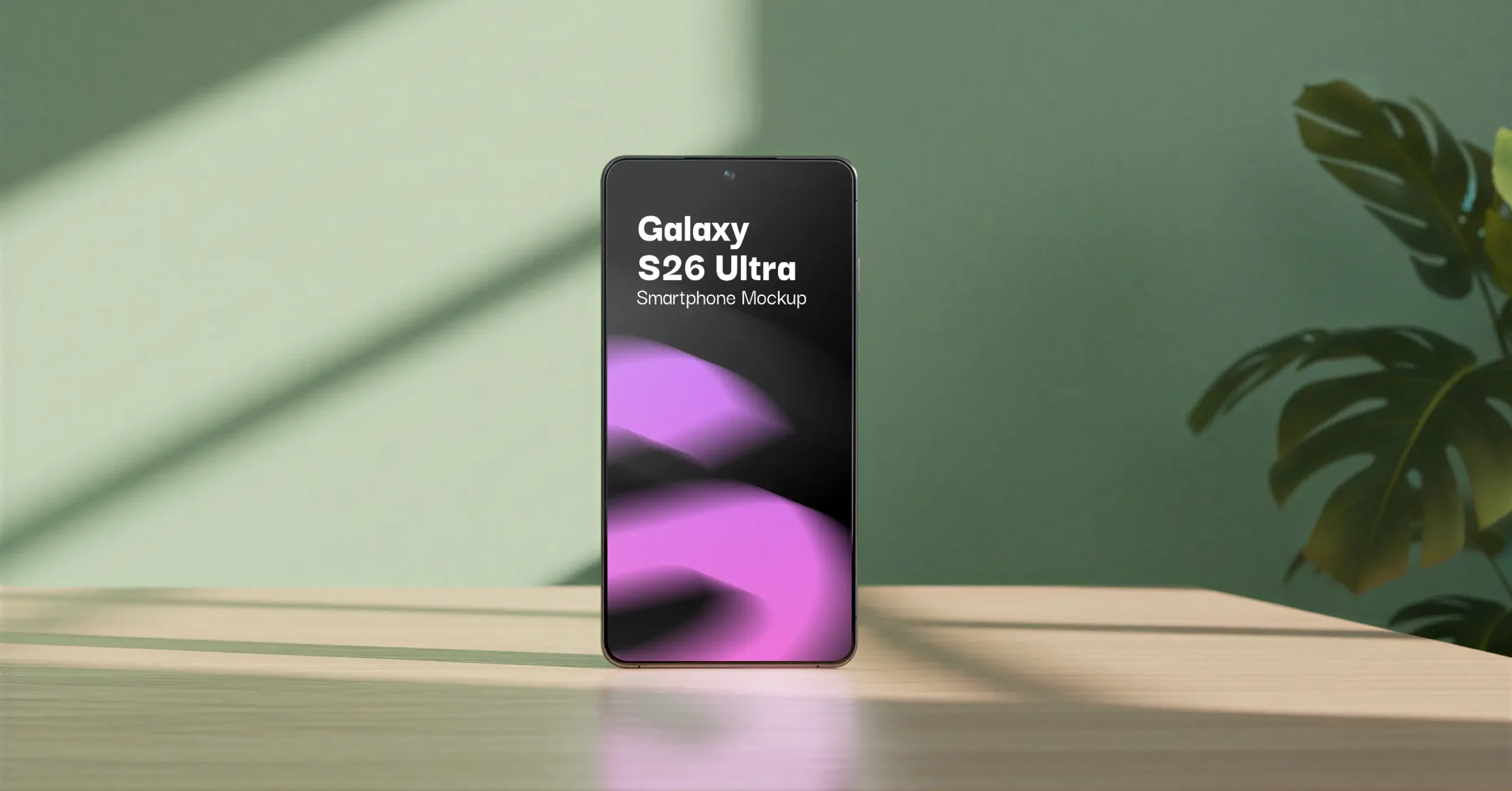
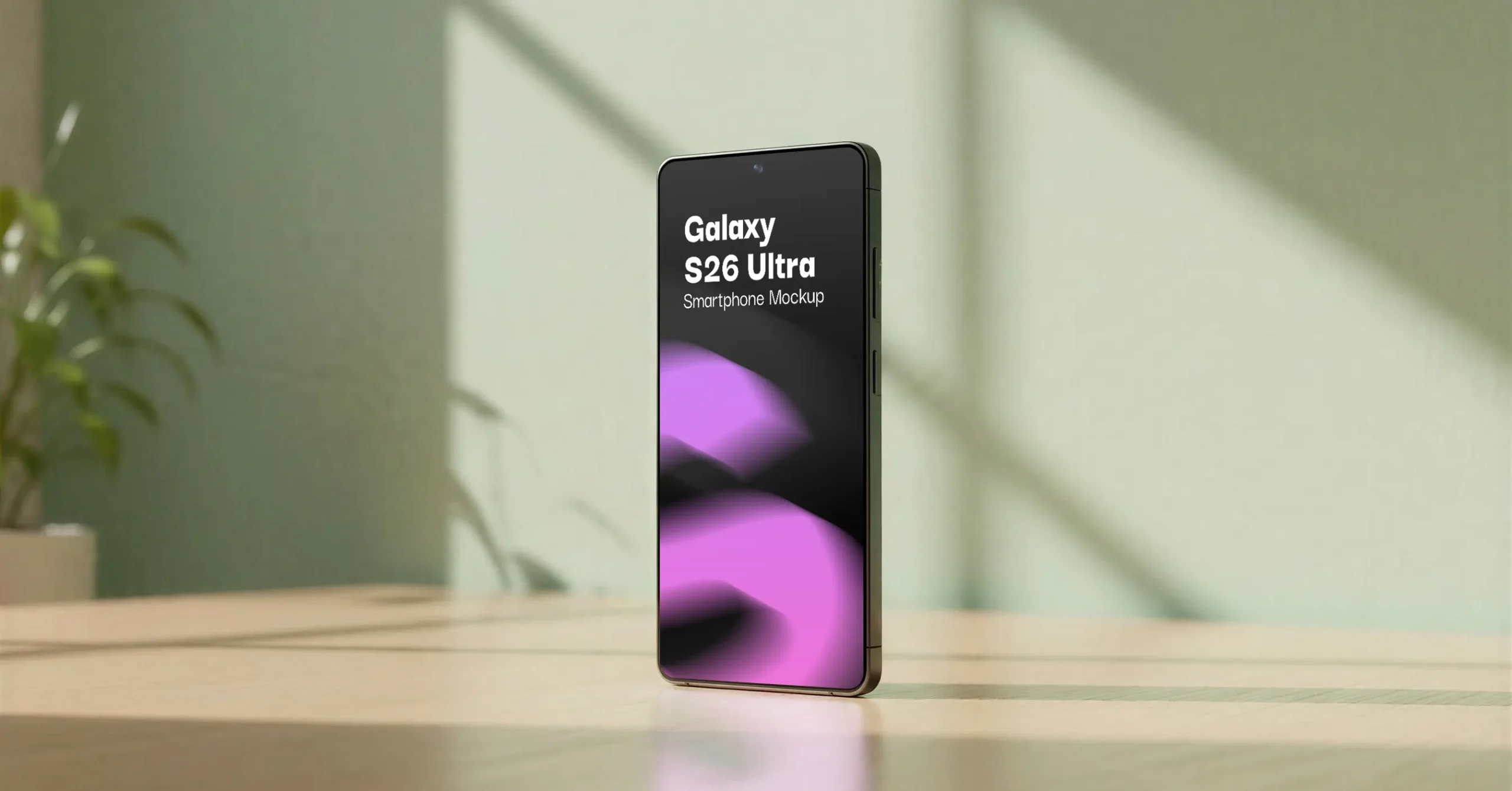
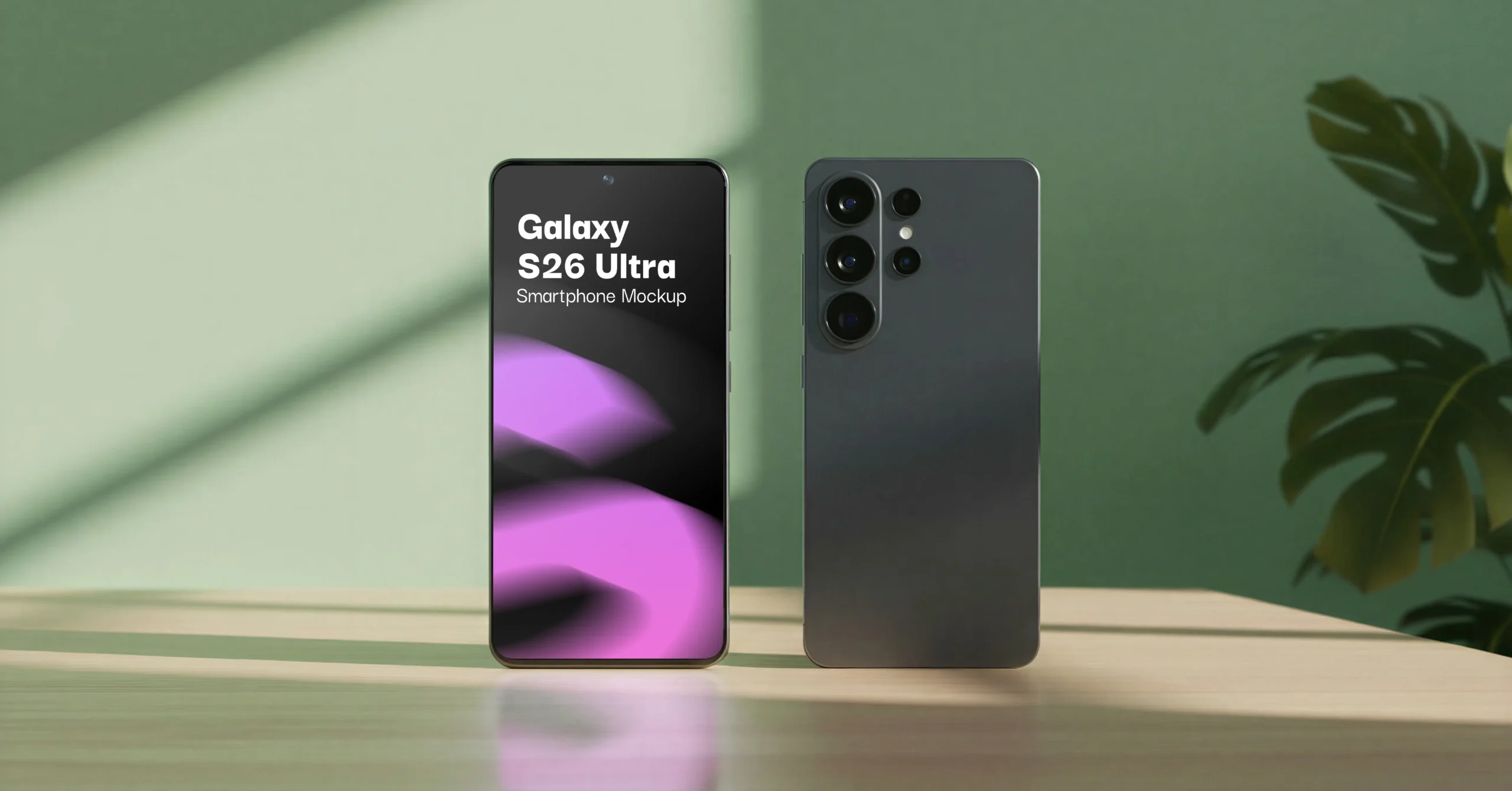
This Galaxy S26 Ultra mockup drops your app, UI, or branding design straight into a styled lifestyle scene, the device stands upright against a soft green wall, resting on a warm wooden surface with a trailing plant just out of focus in the background. It’s the kind of shot that looks like it came from a design agency’s portfolio, not a stock template.
The PSD file includes two angles: a clean front-display view for showing off your app or UI design, and a front-and-back composition that also shows the S26 Ultra’s camera module and rear panel. Useful if you’re presenting branding work that needs to read on both sides of the device.
Everything is built on smart object layers, so dropping in your design takes seconds in Photoshop or Photopea, no masking, no perspective adjustments. At 5250×3000px resolution, it’s sharp enough for portfolio pieces, Behance/Dribbble shots, client decks, and marketplace listing previews alike.
If you’re showcasing a mobile app, a UI/UX case study, or a branding system on the latest Galaxy hardware, this scene gives it a premium, editorial feel without any extra setup work.
Features
- Photo-Realistic Finish – premium lighting and shadows for authentic branding previews
- Awesome Background – stylish aesthetic for visual impact
- Smart Object Ready – drag-and-drop your design in seconds
- Ideal for Branding & Portfolio Use – perfect for logos, typography, and layout showcases
Support:
If you’re unable to download the file after purchase, please contact us or reach out via our Facebook page.
$5
Features:
- Compatible with: Photoshop, Photopea
- File Type: PSD
- Resolution: 5250x3000 Pixels
- DPI: 72
- File Size: 76 MB
- Publised: May 26, 2026
Taxes may apply based on your location and local tax regulations.
- Secure Checkout: SSL encrypted payment.