
The future of mockups is evolving quickly. In 2026, designers are embracing advanced technologies and creative strategies to present digital products in ways that feel more realistic, interactive, and AI‑driven. Mockups are no longer just static placeholders; they have become dynamic tools that enhance engagement, improve client presentations, and streamline workflows.
This article explores the future of mockups and highlights the leading trends for 2026 and beyond, showing how you can leverage them to stay ahead in the design industry.
1. AI-Powered Mockup Generation How AI is Transforming Mockup Creation
Artificial intelligence is transforming how mockups are created and customized. AI tools can generate professional-quality mockups in seconds, automatically adjusting lighting, angles, and placement.
Advantages:
Smart object recognition places designs on the correct surfaces
Automated scene customization suggests backgrounds and lighting
Time-saving workflows generate multiple variations instantly
Best AI mockup tools:
Canva Mockups
Adobe Firefly
Figma AI Plugins
Looking for high-quality, non-AI mockups? Explore our iPhone Mockups for smooth and professional presentations.
2. Hyper-Realistic 3D Mockups Why 3D Mockups Are the Future
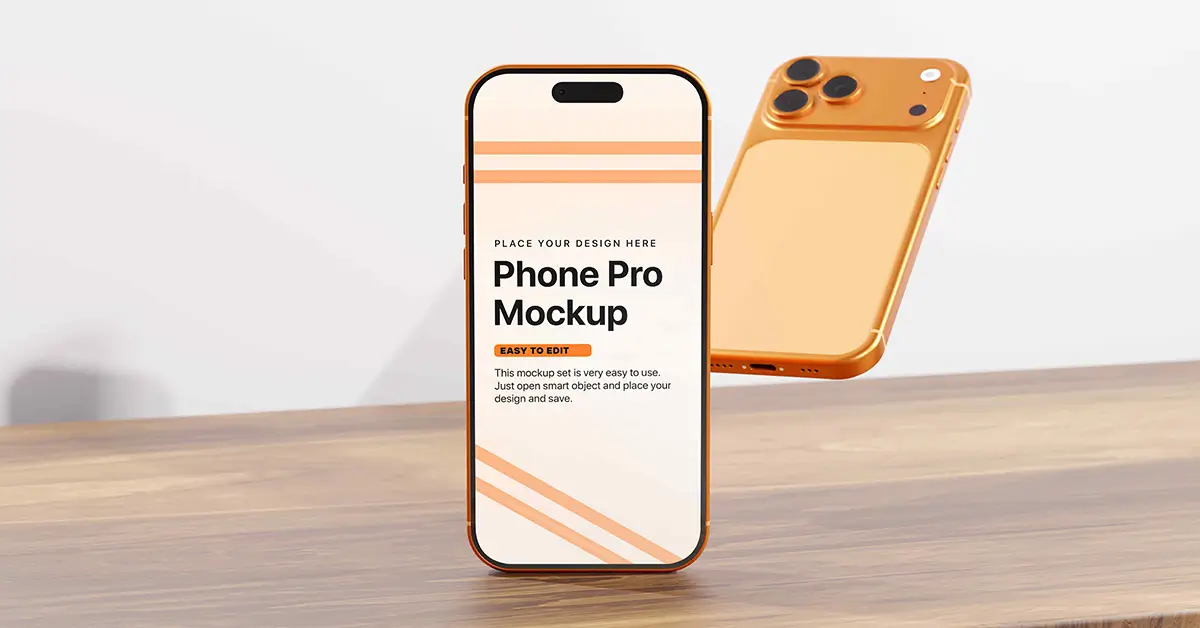
3D mockups are becoming the standard for product visualization. They allow for 360-degree views, realistic lighting, and photorealistic textures.
Advantages:
True-to-life reflections and shadows
360° product rotation for better visualization
Customizable depth, lighting, and materials
Best 3D Mockup Tools
Adobe Dimension – For high-quality 3D mockups.
Blender – A free 3D modeling software. You can create 3d model with blender then convert it as a photoshop mockup.
Spline – Easy-to-use interactive 3D mockups.
Want ultra-high-resolution 3D mockups? Try our Floating iPad Pro Mockups in stunning 6K resolution!
3. Animated & Interactive Mockups
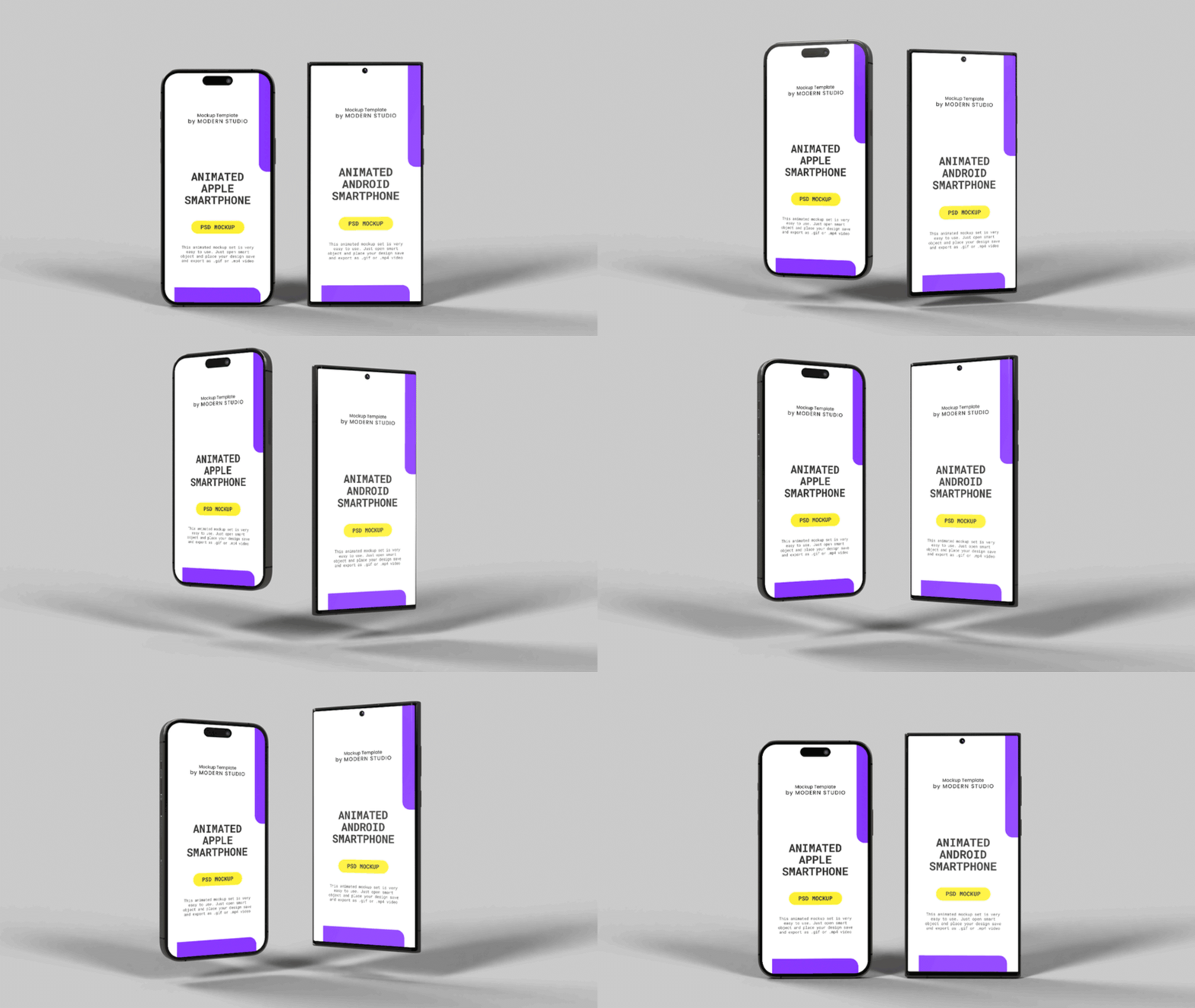
Static mockups are no longer enough. Motion-based mockups are gaining popularity because they showcase how UI/UX elements function in real time. Animated mockups bring designs to life by showcasing how UI/UX elements function in real time.
- Smooth transitions, scrolling, and hover effects
- Video-based mockups for social media and presentations
- Micro-interactions for enhanced user experience
Best Tools for Animated Mockups
Adobe After Effects – For high-quality animated mockups.
Rotato – Easy 3D animated product mockups.
Figma Prototyping – Great for interactive UI/UX mockups.
Need premium animated mockups? Check out our Animated Android & iOS Smartphone Mockup for seamless animations!
4. Customizable and Personalized Mockups
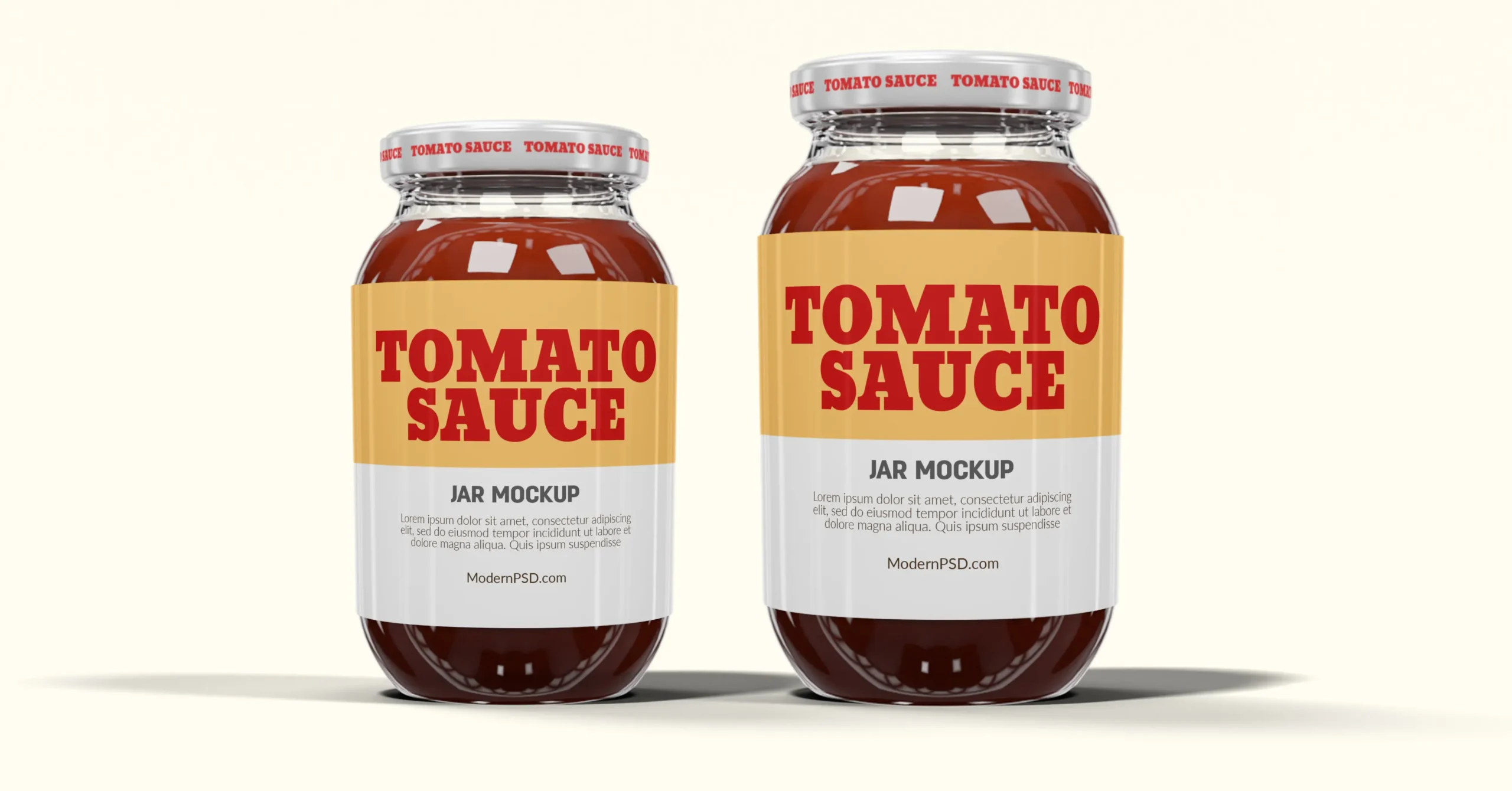
Designers in 2026 demand flexibility and brand-specific customization. Mockups now allow full control over backgrounds, lighting, and scene adjustments.
Key advantages:
Editable backgrounds to match brand aesthetics
Adjustable shadows, reflections, and colors
Custom branding and logo integration
Best Customization Tools
Photoshop Smart Objects – Essential for editing high-resolution mockups.
Mockup Scene Creator – Create fully personalized mockup scenes.
Canva Smart Mockups – A simple drag-and-drop mockup tool.
Looking for fully layered mockups? Try our Realistic Smartphone Mockup for easy customization!
5. AR & VR Mockup Integration
Augmented reality and virtual reality are reshaping how mockups are experienced. Clients can now preview designs in their real environment or interact with them in VR.
- Clients can preview designs in their real environment
- VR-driven mockups allow full product interaction
- Better engagement and decision-making for businesses
Best AR/VR Mockup Tools
Adobe Aero – AR mockup creation tool.
Sketchfab – Platform for 3D AR/VR mockups.
Vection VR – Advanced VR mockup presentations.
Want a future-proof mockup? Try our MacBook Pro & iPad Pro Mockup Set for a high-tech, professional look!
Mockup Trends Comparison Table for 2026
| Trend | Core Technology | Primary Benefit | Best Use Case | Recommended Tools | Ideal Audience |
|---|---|---|---|---|---|
| AI‑Powered Mockups | Artificial Intelligence | Rapid generation and automated customization | Quick design iterations and marketing visuals | Canva Mockups, Adobe Firefly, Figma AI Plugins | Designers seeking speed and automation |
| 3D Mockups | 3D Modeling and Rendering | Photorealistic depth and realism | Product visualization and immersive presentations | Blender, Adobe Dimension, Spline | UI/UX and product designers |
| Animated Mockups | Motion Graphics and Prototyping | Dynamic interaction and visual storytelling | App demos, social media videos, client pitches | Adobe After Effects, Rotato, Figma Prototyping | Creative agencies and app developers |
| AR/VR Mockups | Augmented and Virtual Reality | Real‑world interaction and immersive experience | Client previews and experiential marketing | Adobe Aero, Sketchfab, Vection VR | Tech‑focused brands and enterprise teams |
Final Thoughts: The Future of Mockups is Here!
Mockups are no longer just design assets. They are evolving into interactive, AI-powered, and immersive tools that elevate product presentations. By adopting trends such as AI generation, 3D realism, animation, and AR integration, designers can deliver more engaging experiences and impress clients with cutting-edge workflows.
For premium mockups that align with these 2026 trends, explore ModernPSD’s mockups and take your design presentations to the next level.
Frequently Asked Questions
1. How can AI improve my mockup design workflow?
AI-powered tools can automate mockup generation, adjust lighting and object placement, and even suggest backgrounds. This helps speed up the design process and ensures consistent, professional results.
2. Are animated mockups better than static ones?
Yes! Animated mockups showcase how a design interacts in real-world scenarios. They’re great for UI/UX presentations, social media promotions, and product showcases, making them more engaging than static images.
3. Can I use 3D mockups without advanced design skills?
Absolutely! Tools like Adobe Dimension, Spline, and Smartmockups make it easy to create realistic 3D mockups without needing advanced 3D modeling knowledge. Many PSD mockups also include pre-made 3D effects for quick customization.